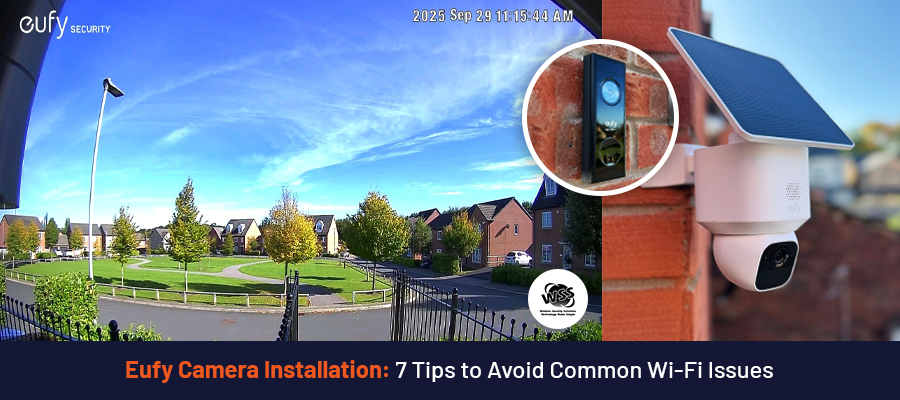
Summary: Setting up your Eufy camera can be tricky if your Wi-Fi isn’t right. Simple things like camera placement, router position, and using the right band make a big difference. You can fix most issues yourself, but if it feels too much, you can opt for the professional installers to get a smooth installation and face almost zero issues later.
Installing security cameras in your home is a great decision to prevent theft and keep your home protected 24/7. But many people often ignore the installation process and face problems later, especially Wi-Fi issues.
You set up your new security camera. You expect it to work right away. But then it keeps disconnecting. The video lags. Or worse, it goes offline when you need it most. That’s frustrating, right?
The good news is that most Wi-Fi issues are easy to fix. As a renowned wireless security camera provider, we will share some tips that will help you avoid these issues.
Installation Tips to Avoid Wi-Fi Connection Issues with Your Eufy Security Cameras
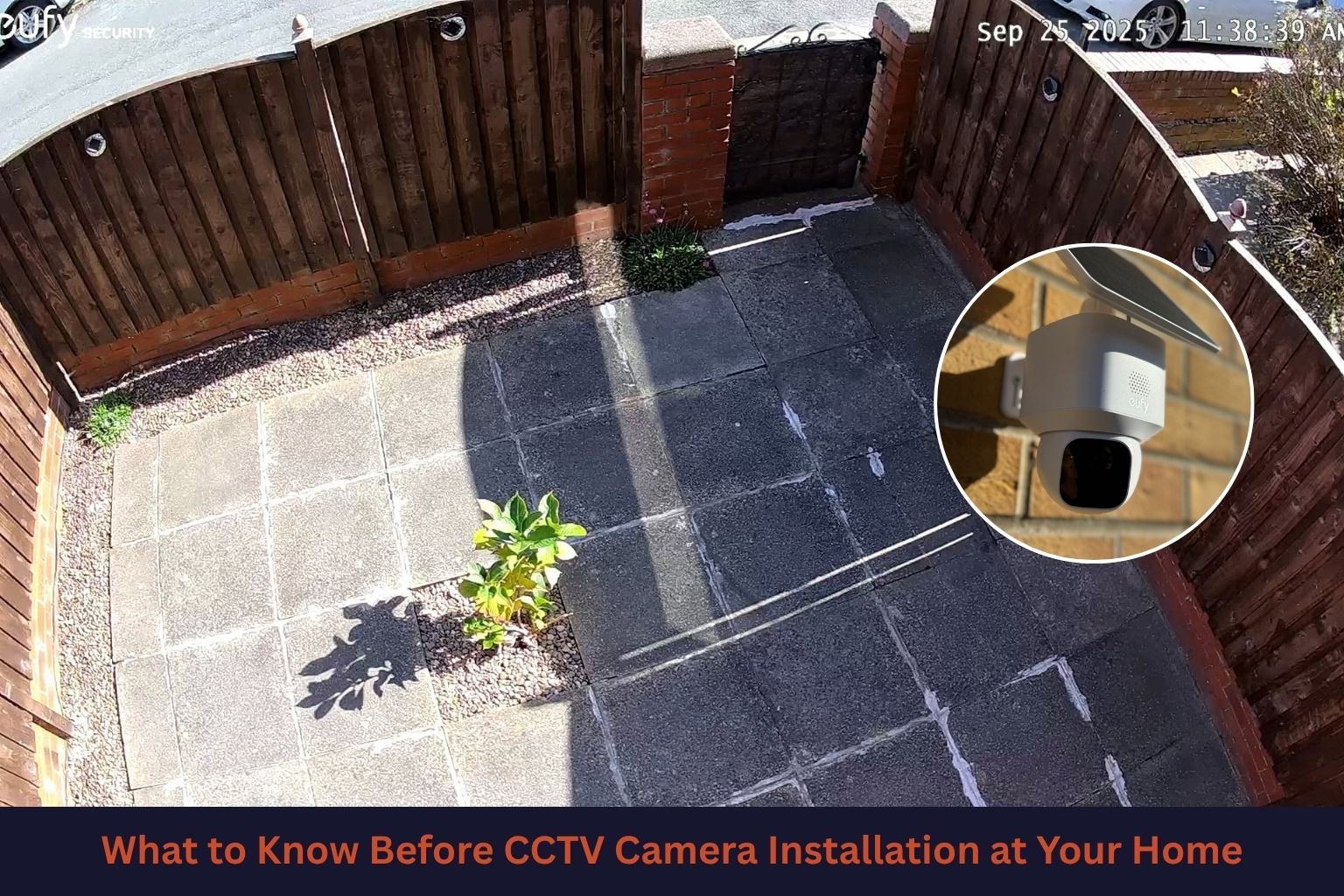
1. Place Your Camera Within Wi-Fi Range: With wireless cameras, you get the freedom to place them anywhere. But you have to keep in mind that these cameras work with your home’s Wi-Fi connection. You may want to install your camera far from your house or near the gate or garage. But if it is too far from the router, the signal gets weak. Try placing the camera where the Wi-Fi is still strong. If your phone loses signal there, your camera will too.
2. Avoid Thick Walls and Metal Objects: Walls can block Wi-Fi. Thick brick walls are even worse. Metal doors and grills can also weaken the signal. If possible, install your camera where there are fewer obstacles between it and the router. Even small changes can help. Our professional CCTV camera installers use tailored camera placement strategies to give you the best coverage without letting you face connection issues.
3. Keep the Router in a Central Spot: If your router is hidden in a corner, your signal won’t spread well. We suggest placing your router somewhere central in your home. That way, your camera and other devices get better coverage. If you are going to place the cameras on different sides of your home, placing the router in the centre of your home will help avoid the connection issues.
4. Use the Right Wi-Fi Band: Many Eufy cameras, including Eufycam S210 (Eufycam 2C)3-Cam Kit, work better on 2.4 GHz Wi-Fi. This Wi-Fi band is actually helpful for distance connections. Check your settings. It travels further and works better through walls. There are a few cameras that highlight 5GHz, but they often lack connections when you place them far away from your router.
5. Check Your Internet Speed: Slow internet can cause delays and disconnects. Run a quick speed test on your phone. If it is slow, your camera won’t perform well. You may need to upgrade your plan or fix your network. Make sure your internet speed is fine in your home. A good internet speed is a must for smooth footage.
6. Keep Firmware Updated: Your camera and app need updates to work properly. We always tell homeowners not to skip updates. They fix bugs and improve the connection. It only takes a few minutes. You can look for updates on your camera app. This will help ensure your cameras are good to go.
7. Restart Devices Before Setup: This sounds simple, but it works. Before installing, restart your router and camera. It clears small issues and gives you a fresh start. You will avoid many connection problems this way.
Why You Should Leave the Security Camera Installation to the Professionals
1. Proper Placement: Most homeowners fail to find the best places for Eufy camera installation. We know where cameras work best. You don’t have to guess.
2. Strong Wi-Fi Setup: Wi-Fi issues can be frustrating. We test your signal before installation. So, no weak spots later.
3. Clean Installation: With years of experience in this industry, our CCTV installation experts can help you install the cameras without affecting the cleanliness of your home.
4. Time Saving: Finding better locations, fitting the cameras, and connecting to your home’s security system is actually a time-consuming process. We handle it fast.
5. Ongoing Support: If something goes wrong, our professional team can give you instant solutions. So, you can get peace of mind.
Setting up your Eufy camera is not hard. But small mistakes can lead to big Wi-Fi problems. That’s where most homeowners struggle. If you follow these simple tips, you can avoid many common issues. Your camera will stay connected. Your home stays protected. You can contact us to learn more about our Eufy cameras and installation services.
Search
Recent Posts
September 21, 2026
September 10, 2026
September 04, 2026
Leave a Reply