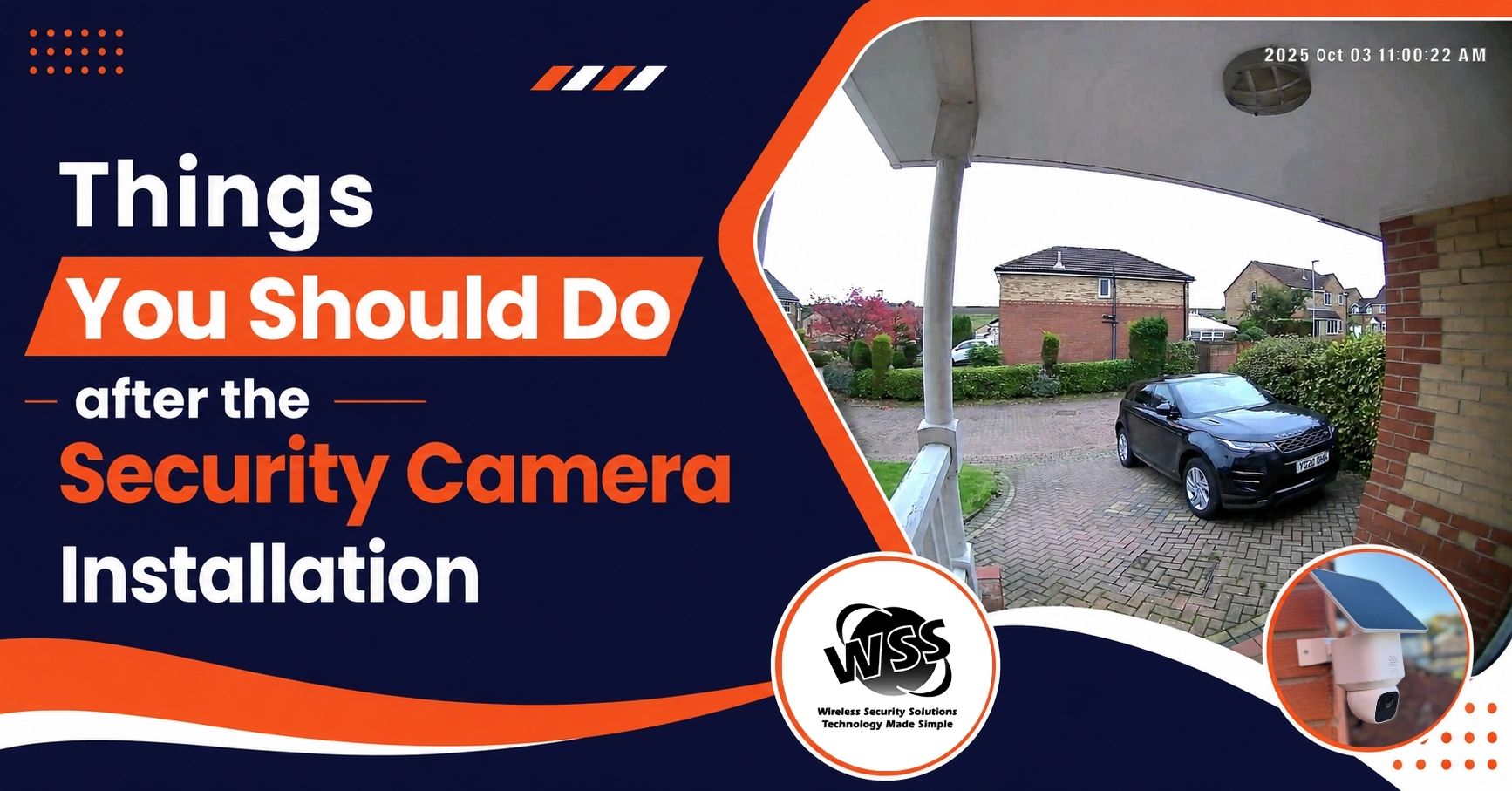
Summary: Proper security camera maintenance improves performance, video quality, and lifespan. Regularly clean lenses, test the system, back up footage, check lighting conditions, and update software to ensure reliable surveillance, enhanced security, and protection of your property.
Proper maintenance is necessary for any system to expand its lifespan and efficient performance. This rule is also applicable to the security cameras. After installation, you need to maintain the system for capturing good-quality pictures and video footage. Many people often install CCTV cameras but do not know how to maintain them.
Here are the tips you should follow after security camera installation:
How to Maintain and Care for Your Home Security Camera
Regularly Clean Camera Lenses
It is essential to check your security cameras regularly. Through this approach, you can ensure that their lenses are clean. Regular dust and dirt can lower the quality of your video footage. Use a gentle, waterless cloth to wipe camera lenses regularly. If you see any stubborn spots on the camera lenses, you can use mild cleaning solutions to remove the stain.
Test the System Regularly
You should test your system regularly and check if it is working properly. While testing, you should check the cameras, video quality, and other components. Through this approach, you can ensure that all the components are functioning correctly. You can test the system’s recording capabilities to make sure that it records high-quality video footage.
Back-Up Your Video Footage
One crucial thing you need to do is back up all the video footage. If your system fails or deletes all footage for any reason, your backup plan can help you. So be sure that you properly back up your video footage. There is no chance of losing significant data. It is especially essential for outdoor security cameras.
Check the Lighting Condition
When it comes to maintaining the security camera, do not forget to check the lightning conditions around the camera. If the camera is not getting enough light, then it cannot deliver high-quality footage. So make sure that your camera is installed in the right position where enough light is available. Overlooking the right camera position is one of the common CCTV installation mistakes.
Keep Your Software Up-To-Date
In various ways, you can keep the security camera up to date. One crucial way is to keep software up-to-date. Software updates can bolster cybersecurity features and enhance the functionality of your cameras. So it is necessary to keep your software up-to-date and make sure that your system is always working faster.
Maintaining your security cameras ensures that the system can safeguard your property against the unexpected. For any queries, please contact us today.
FAQs
Q: How often should I clean my security camera lenses?
Security camera lenses should be cleaned regularly to remove dust, dirt, and stains that can reduce video quality and affect surveillance effectiveness.
Q: Why is backing up security camera footage important?
Backing up footage prevents data loss during system failures, accidental deletion, or technical issues, ensuring important recordings remain accessible when needed.
Q: How do software updates benefit security cameras?
Software updates improve camera performance, strengthen cybersecurity protection, add new features, and ensure reliable system operation over time.
Search
Recent Posts
September 21, 2026
September 10, 2026
September 04, 2026
Leave a Reply