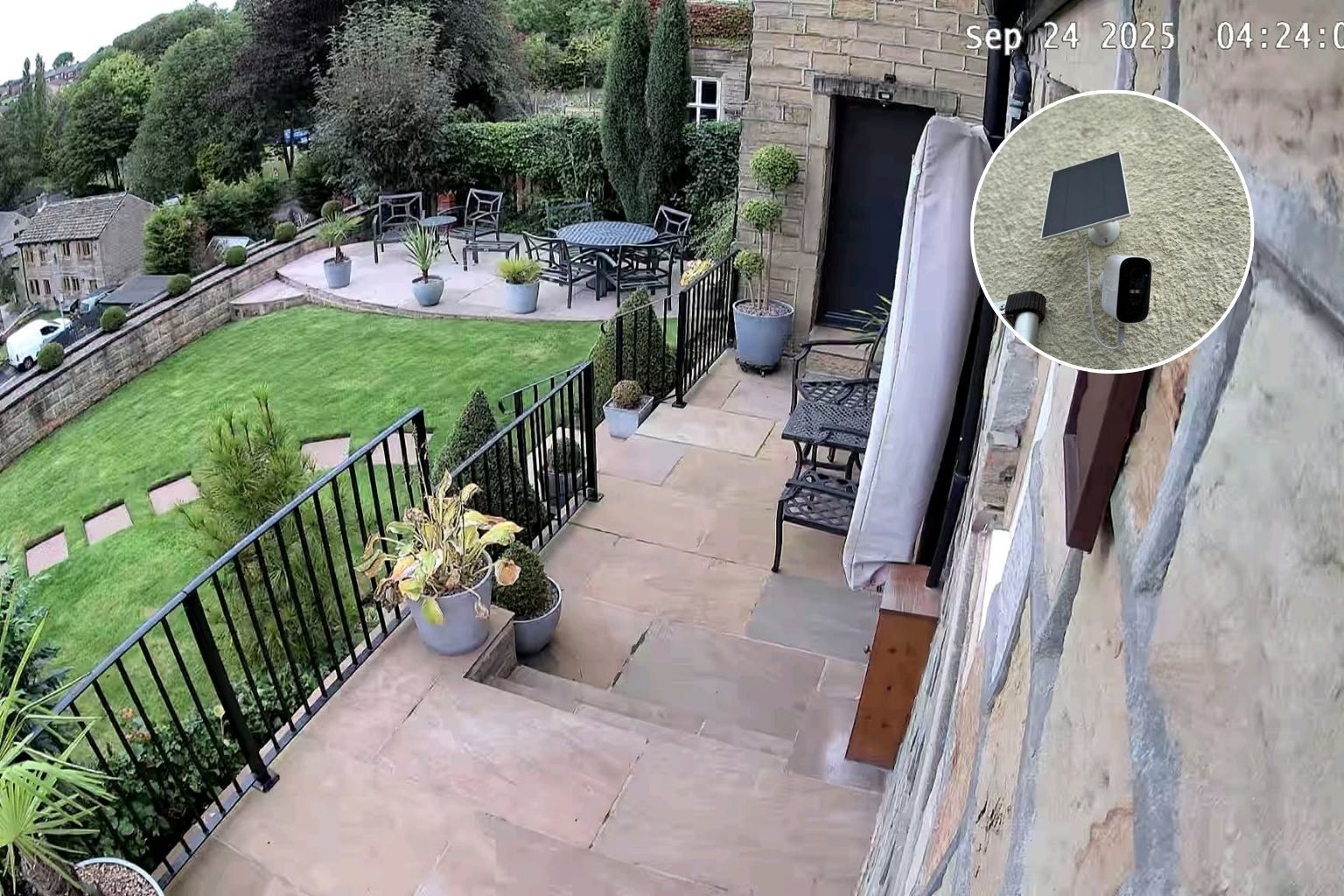
Summary: Regular maintenance keeps household security cameras reliable and effective. You should clean lenses, check Wi-Fi connections, verify camera alignment, monitor batteries, and maintain solar panels. You can ensure clearer footage, consistent performance, and dependable protection.
A reliable security system is essential to keep your home safe. However, regular maintenance is essential to make sure that your system works at its best. Modern wireless CCTV systems offer remote monitoring, flexible installation, and smart security features.
But they still need attention to perform at their best. In this guide, we will explore the ways you can keep your household security camera reliable and ready when you need it most. Let’s dive in.
Key Ways You Can Care for Your Household Security Camera for Optimal Performance
Clean the Lenses Regularly
One of the simplest ways to maintain your CCTV cameras is by regularly cleaning the lenses. Over time, dirt, dust, and grime can accumulate on the lenses. This can reduce the clarity of the footage. You may find it difficult to identify people or objects. Use a microfiber cloth and gently wipe away any dust from the lenses.
Check Your Wi-Fi Connections
Wireless security cameras depend on a strong and stable connection. If you notice that your live footage frequently freezes, disconnects, or takes a long time to load, your Wi-Fi coverage might be the culprit. So, it is essential to check the connection between your cameras, router, and security hub. If a camera is far from your router, use a quality Wi-Fi range extender to improve coverage.
Check Camera Alignment
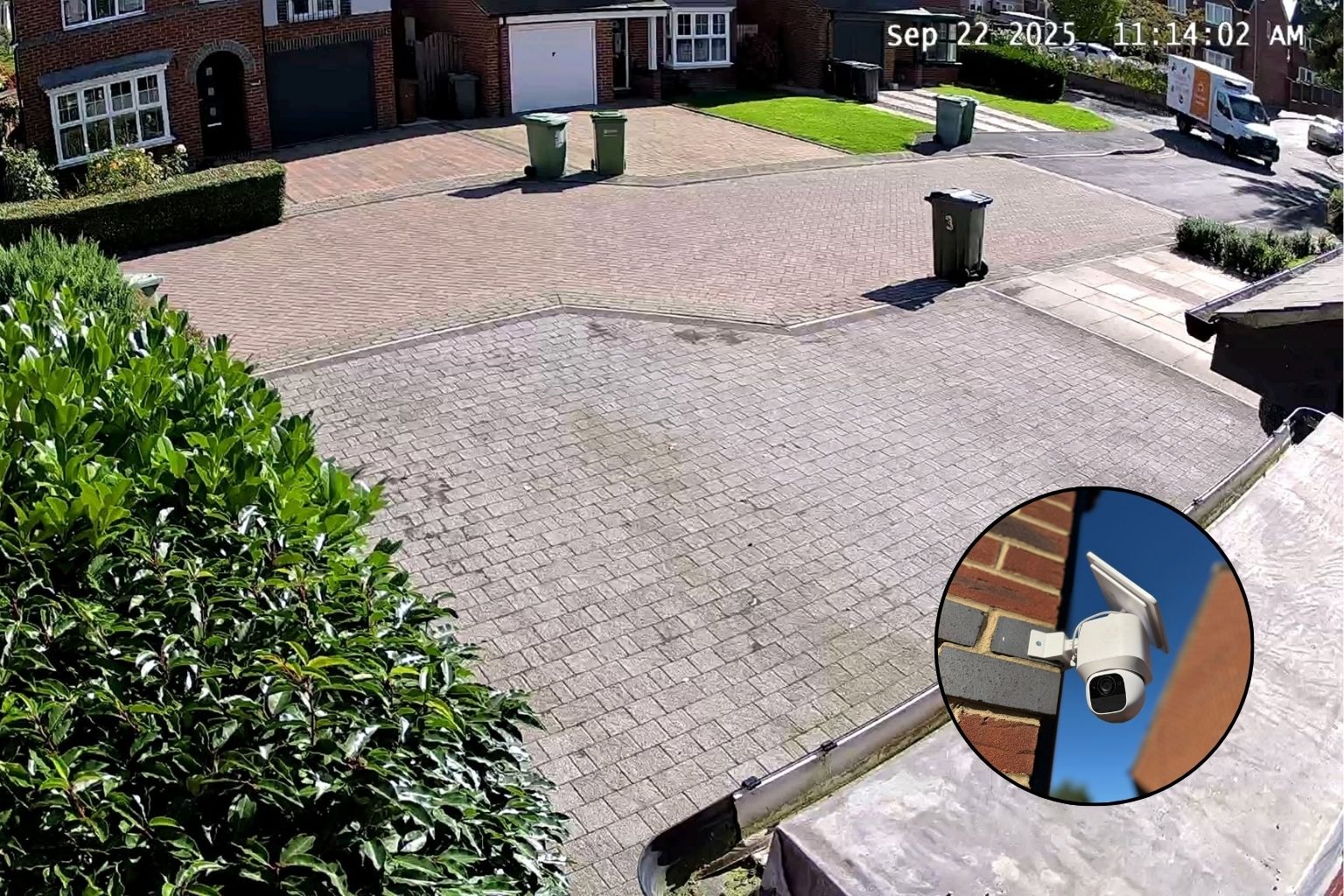
There are many things to do after CCTV camera installation. Among them, the most important task is to check camera alignment. Actually, the camera can shift over time due to weather conditions, vibrations, or accidental bumps. Misaligned cameras cannot cover the intended areas. So, ensure that all your cameras are pointing in the right direction.
Check Batteries and Power Supplies
For wire-free cameras, battery maintenance is crucial. Do not wait until your camera completely loses power. Regularly review battery status through your security app and recharge when necessary. You can opt for solar-powered options, such as eufy SoloCam S340. It can reduce the need for frequent charging. But you should keep the panels clean and position them where they can receive adequate sunlight.
Keep Your Security System Ready All the Time!
The first step is to install household security cameras. But it is essential to maintain them to keep protection dependable day after day. Through the above-mentioned steps, you can help your system deliver reliable performance when it matters most. A few minutes of maintenance today can offer you clearer footage and greater peace of mind tomorrow.
FAQs
Q: How should I clean my security camera lenses?
Clean your camera lenses regularly with a microfiber cloth to remove dust, dirt, and grime that can reduce footage clarity.
Q: What should I do if my wireless camera keeps disconnecting?
Check your Wi-Fi connection between the camera, router, and security hub, and consider using a quality range extender for better coverage.
Q: How can I maintain solar-powered security cameras?
Regularly check battery levels, keep solar panels clean, and position them where they receive sufficient sunlight for reliable performance.
Search
Recent Posts
October 07, 2026
October 01, 2026
September 26, 2026
September 21, 2026
Leave a Reply